The Complete Guide to Blox Fruits Scripts
Blox Fruits has been one of the most scripted games on Roblox for years, and Update 30 shook things up again. This guide explains what kinds of scripts exist, what the latest update changed and how to pick one without wasting an evening.
Why Blox Fruits has so many scripts
Blox Fruits rewards repetition. You level up by doing the same quests against the same enemies, across three seas, for hundreds of hours. Fruit and weapon mastery need their own grind. Rare fruits appear on a timer. That is exactly the kind of loop a script can automate, so players look for one.
Authors like the game for a different reason. It is huge, popular and fairly stable between updates, so a well-built script can stay useful for months. That is also why every big update causes a wave of broken scripts.
What changed with Update 30
Update 30 went live on September 5, 2026. These are the changes that matter for scripts:
- The First Sea was rebuilt. Every island got a redesign and three secret puzzles.
- The level cap rose from 2,800 to 3,000, unlocked through those secrets.
- The new Magnet fruit arrived, with a robot transformation.
- An hourly Magnetic event spawns special enemies that drop Magnet Tokens for a new gacha.
For auto farms, the rebuilt islands were the big problem: quest givers and enemy spawns moved, so old coordinates stopped working. Authors had to redo their First Sea routes. Many also added options for the Magnet event, since farming tokens every hour by hand is tedious.
Kinds of Blox Fruits scripts
Auto farm
The most common kind. It takes the right quest for your level, flies to the enemies, attacks and repeats. Good ones switch islands as you level. Most scripts on the site are hubs that bundle auto farm with many other options.
Mastery and material farm
Same idea, different goal. Instead of levels, they grind mastery for a fruit or weapon, or farm materials like bones for crafting and upgrades.
Sea events and raids
These handle the group content: sea beasts, ship fights and raids. They are harder to write and they break more often, because events change more between updates than normal quests.
Fruit notifiers
Lighter scripts that watch for fruits spawning in the server and alert you. They mostly read what is already on the map instead of moving your character, so when they fail you just miss a notice.
Which executors authors list
On Android, Delta is the executor Blox Fruits authors mention most, with Codex as the usual second. On Windows, Solara and Wave show up the most. These lists come from each author. RblxScript does not test scripts, so read the comments before trusting a compatibility tag.
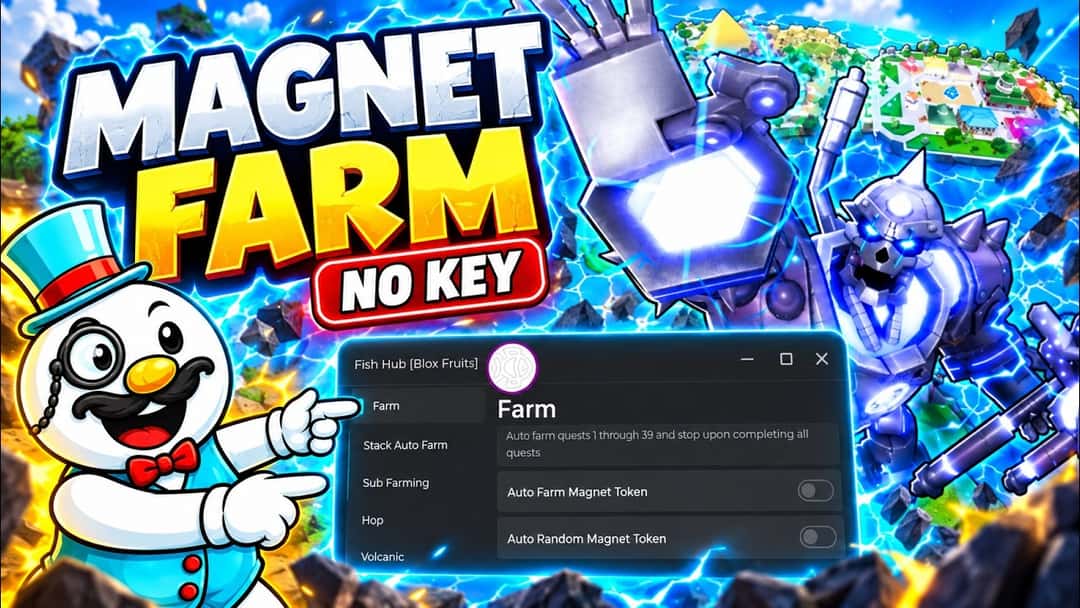
The MatLumber channel shows a no-key Blox Fruits script running after Update 30, including the Magnet auto farm options.
How to choose a Blox Fruits script
- Check the last updated date. After Update 30, anything updated before September 5, 2026 may fail in the First Sea.
- Match the features to your sea. A script tuned for the Third Sea may do nothing useful at level 50.
- Prefer no-key scripts if you do not want to go through verification steps every day.
- Read the newest comments. People report quickly when a farm route breaks.
A careful first session
Start on an alternate account. Load the script, turn on one option at a time and watch for ten minutes before you step away. If your character gets stuck or flies into the sea, turn it off and read the comments; someone has probably seen the same thing. Long sessions with every option turned on are the easiest way to get noticed.
Common questions
Does an older script still work in the Second and Third Sea?
Often, yes. Update 30 rebuilt the First Sea, so the Second and Third Sea routes changed less. Features for those seas may keep working while the First Sea part fails. The comments on the script page usually say which part broke.
What does "no key" mean on a Blox Fruits script?
It means you can run it without first getting a key from a link page. Many popular Blox Fruits hubs are no key. Others ask for a free key that expires after some hours. Neither kind should ever ask for your Roblox password.
Is auto farm the riskiest feature?
It is the most visible one. A character that flies between islands for hours without stopping is easy for other players to notice and report. Notifiers and stat panels are quieter, but they still break the rules.
Sources and next steps
Update 30 on the Blox Fruits Wiki
Full patch notes for the First Sea rework, the Magnet fruit and the new level cap.
Roblox Community Standards
The official rules on exploits and unfair advantages.
Browse Blox Fruits scripts
Every Blox Fruits script in our catalog, newest and most popular.
Why scripts get patched
How game updates like Update 30 break scripts, and how to spot it.
Account safety guide
Read this before running anything, and never use scripts on your main account.